// laurynasl
Playing around with Arduino and MIDI
For the last several weeks I've been playing a lot with Arduino. I've done this in the past a bit, but this time it kind of spiralled out of control.
It all started with an idea to have a device you can plug into your PC via USB, have it recognized as MIDI device and receive MIDI messages (most importantly Start, Stop, Continue, Timing Clock and Song Position Pointer, see here) and display the current position in the current beat.
This was easy enough. I've started with the MIDIUSB Arduino library in the Arduino IDE and got it working within a day or so on a proto board. The circuit was super simple - just an arduino and 6 LEDs with resistors next to each of them. The code, likewise, just a busy loop reading MIDIUSB messages (see Section 4 here) on what's the header field in midiEventPacket_t means.). Of course, this isn't the most sophisticated beat indicator ever, as it just assumes that your time signature is 4/4. I've soldered the components onto a two sided proto board, remapped all the pins, as the physical layout turned out a bit weird, and that could have been it. But nooooo...
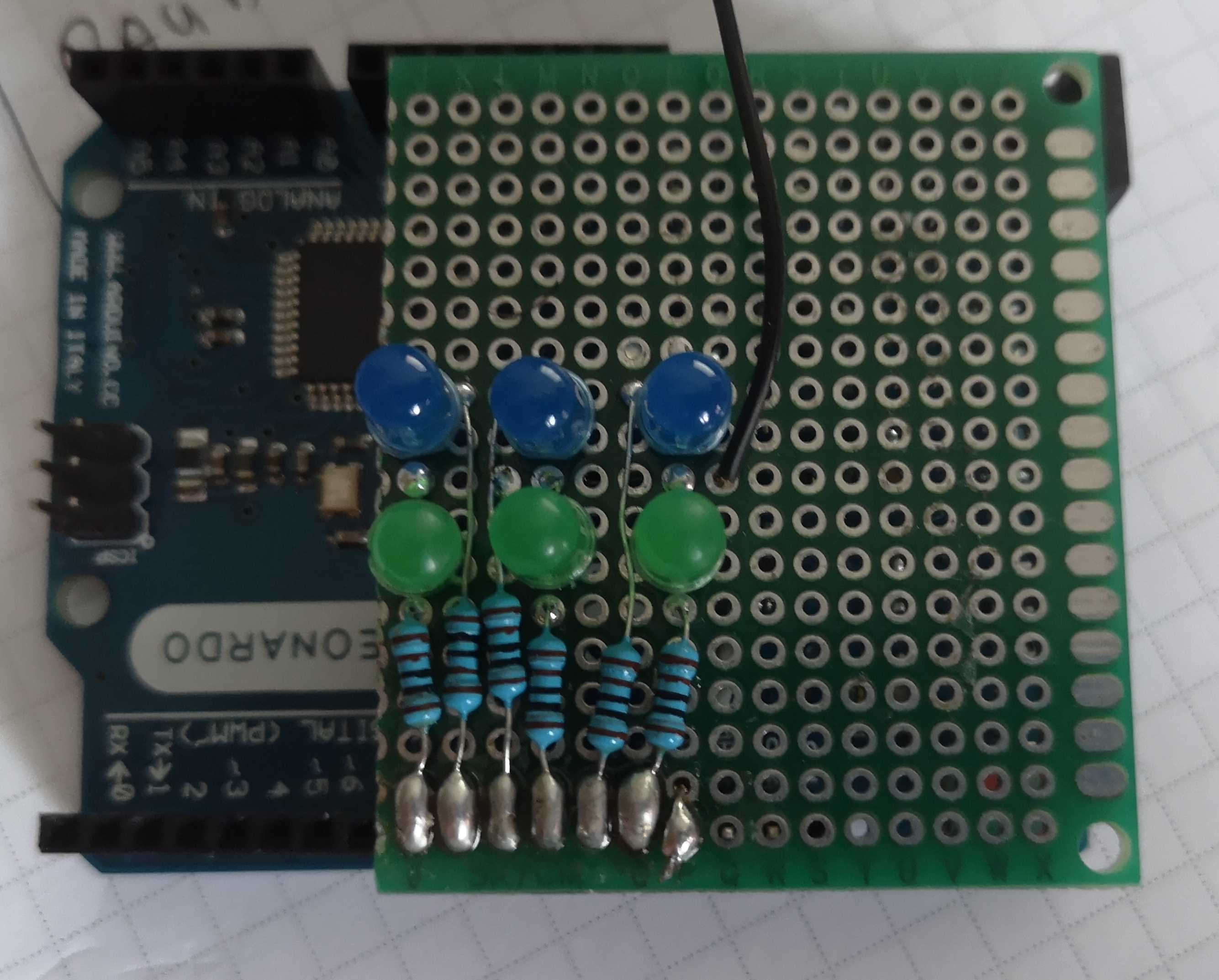
At this point I though it would be nice to add something like a blink to the LEDs if the track is paused. Unfortunately this is extremely ugly (from a code style point of view) in Arduino. You have to do something called a non blocking delay. I had done this previously and it gets really messy really quickly as you have to keep track of a whole bunch of unrelated timestamps and have a bunch of state variables. That's when I found FreeRTOS. Also I've switched to using platformio with VS Code, as the Arduino IDE is really pushing it by calling itself an IDE.
I ported all the code to FreeRTOS, added the blinks, split the code into several parts and was pretty happy with it. Then I looked at my Boss DD-7 delay pedal and though: it would be cool to sync the delay with the midi clock running off of my computer. It has a tap input for a footswitch, so I can just send the taps from my microcontroller.
I measured the voltage that's on the tap input of the pedal, and got around 2V. That means I'd need to reduce the voltage that's switching the transistor used to drive the tap input. I did that by using a simple voltage devider and also added an LED with a resistor on the same pin, so I could see the "tapping" in real time. I've also hooked up a potentiometer to one of the ADC capable pins of the Arduino. I would sample it every 50 ms, and use the reading to determine how the trigger pulses should relate to the clock.
The next day I thought to myself: that's a really silly way to control something: I should get an encoder and use that instead. Well I did just that, bought a controller, hooked it up and was really not happy with the result. The crappy encoder would skip steps and it felt really frustrating to use. I probably could have written some code to compenstate for the dirty input, but instead I just went back to the potentiometer input. As a free bonus, you don't need to use your EEPROM to store the last setting as the potentionemer is in the same position you left it :D.
So I reverted back to the analog input and tried to play around with it with my crave. It was pretty fun, but there was a bit of a stutter or something every 4 pulses of the tap input, so I also added a button to trigger the sending of 4 tap pulses instead of just always sending them.
I soldered everything to another piece of protoboard, found out that Arduino pin headers don't align on one side (now that's a really bad case of shitty interface freezing), so you can't really build an Arduino shield on a protoboard and decided to also add MIDI output.
In order to add MIDI output I switched to the USBMIDI as it decodes the MIDI USB protocol to the regular midi protocol, soldered on a couple resistor and a MIDI jack and decided to call it quits with the features for now.
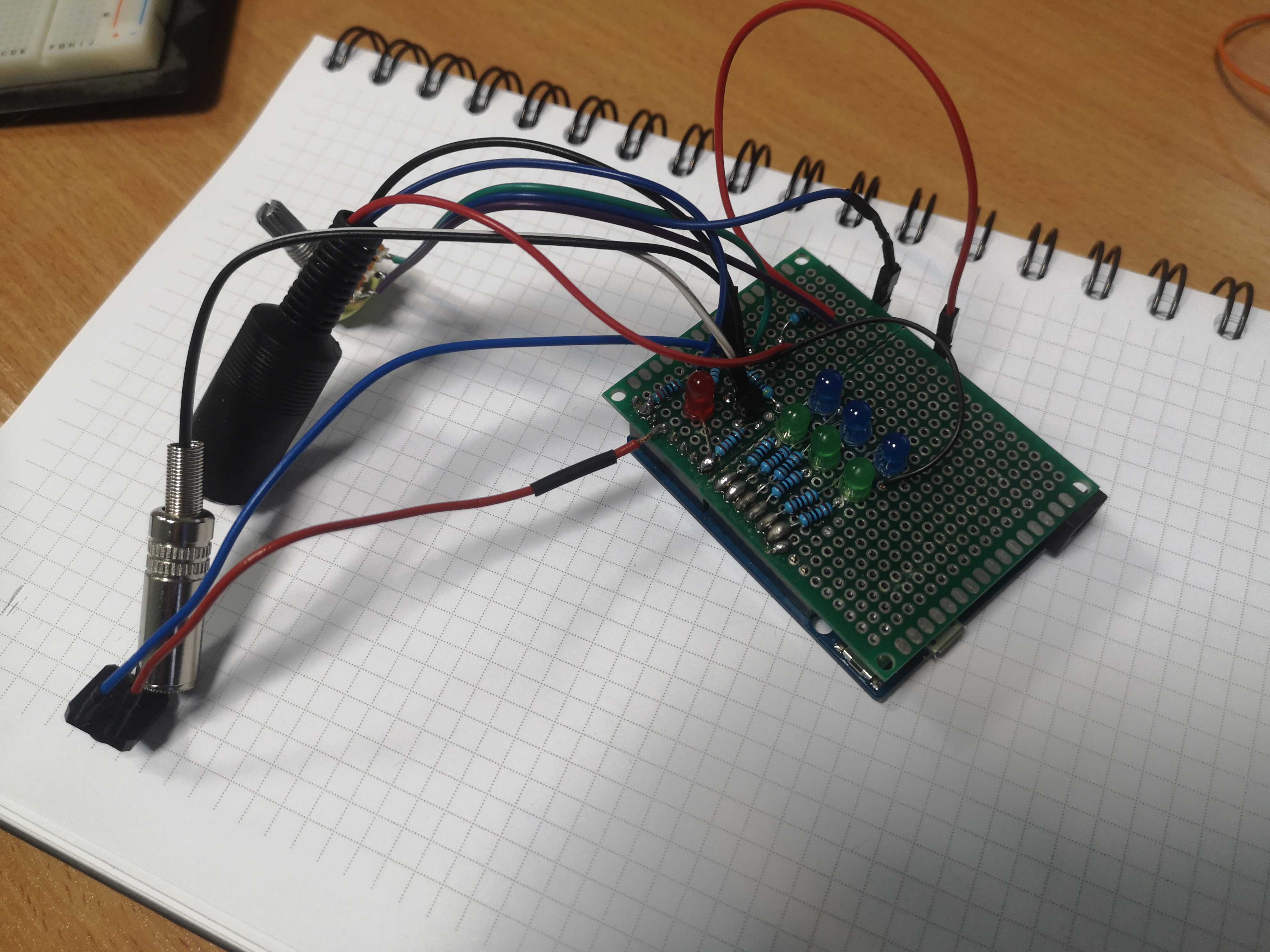
But I still didn't feel done. I decided to get a PCB printed and but it in a nice box. I followed this tutorial on KiCad to design the PCB, and ordered it to be printed by Aisler. It will cost me around 20 Euros for 3 pieces and should arrive in a week or so. And most importantly I could finally add something silly to a PCB:
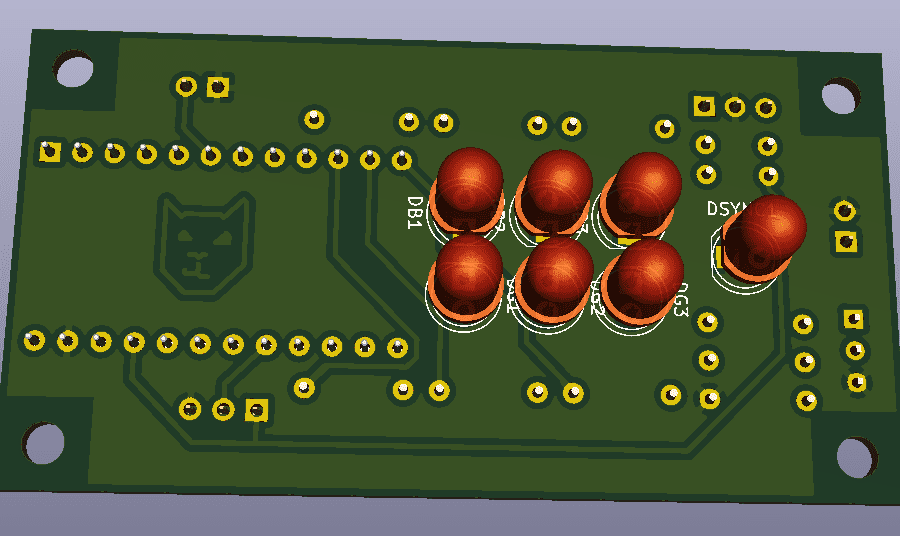
You can find the really awful code (I'm very rusty on my cpp, so I just hacked everything together) and the really awful schematics (I have no idea what I'm doing) on my github.